So, this week Windows Vista Business became available on MSDNAA (the MS student program) and because I unfortunately still have a handful of programs that require Windows only, I downloaded it and installed it in a virtual machine this weekend.
While installing, I took screenshots (hint to Parallels programmers: This function needs a keyboard shortcut) and published them as a flickr photoset.
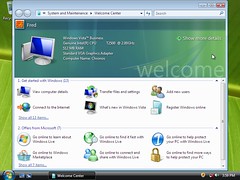
Click here to see a Vista installation in its full "beauty" ;)
So far, it doesn't feel very special yet, but I will click around a little more, and after I played with it in the VM long enough, I might consider updating my XP instance in Boot Camp. Allegedly, installing Vista with Boot Camp works flawlessly, but I am not sure about updating an existing copy of XP. If anyone has experience with that, let me know!